

Run the channel
Stream ManagementEvery source, its status and its stream in one Console.
OverlaysLive data on the video, set up in the Console.
Stream SchedulerCalendar scheduling with automated start times.
PlaylistsMix live feeds and saved video into an always-on channel.
Events and AlertsStream health alerts by email and Slack when something needs a look.
AI DetectionAircraft identified, tracked and clipped automatically.
Capture and deliver
IngestCameras, encoders, webinars and broadcast feeds over RTMP and SRT.
Multi-Destination PublishingYouTube, Facebook, LinkedIn, Twitch and custom RTMP at once.
Custom HLS PlayerA branded player with multi-view layouts and DVR controls.
DVR and ClipsScrub back on a live stream and save shareable clips.
Adaptive Bitrate StreamingAdaptive streaming to every screen.
SyndicationOffer streams to other broadcasters and track performance.
Produce and manage
Streamology StudioA dedicated cloud workspace with OBS Studio and broadcast tools.
Media LibraryStore, organize and find every file and recording.
Video BrandingWatermarks, logos and lower thirds on every stream.
AnalyticsLive viewers, devices and watch time while the stream is up.
Developer APIConnect your applications to Streamology.
See all features →
Learn about the hardware
Shop the Streamology Store
These links open the Streamology Store. Compare models, see prices and check out at store.streamology.tv.
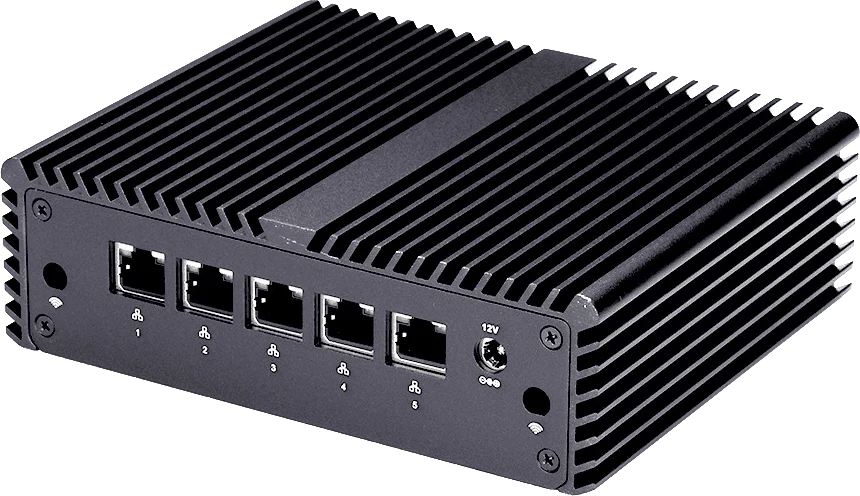
Store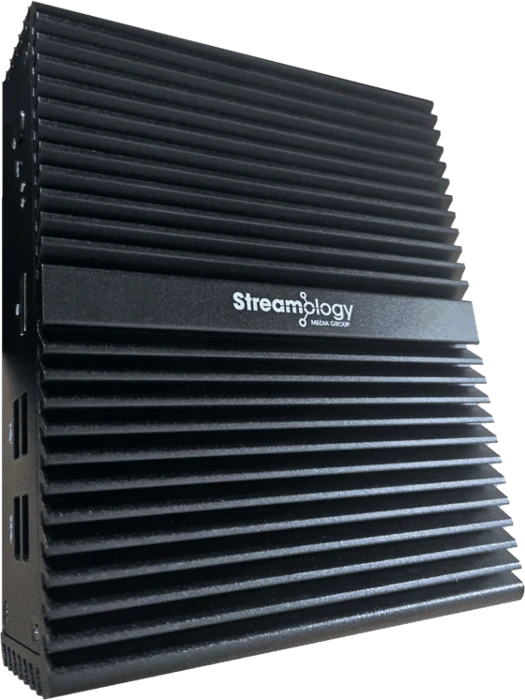 Stream GatewayThe on-site encoder for one camera or many.Shop Gateways Store
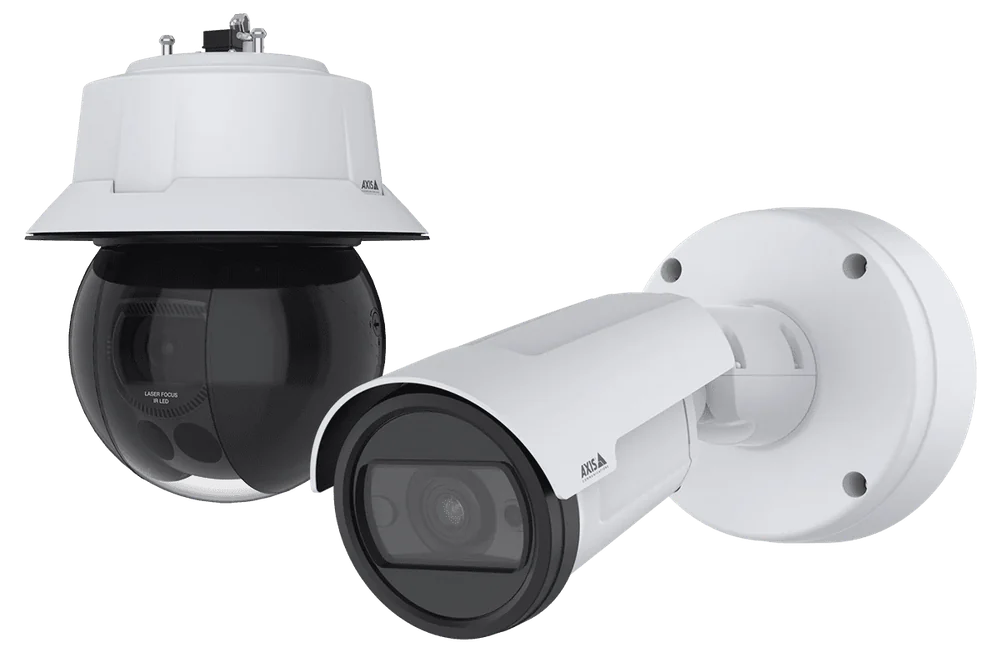
 Static HD camerasFixed 1080p views for permanent installs.Shop static HD Store
 PTZ HD camerasPan, tilt and zoom to follow the action.Shop PTZ HD Store
 PTZ 4K camerasFlagship 4K detail at a distance.Shop PTZ 4K
Stream GatewayThe on-site encoder for one camera or many.Shop Gateways StoreStatic HD camerasFixed 1080p views for permanent installs.Shop static HD StorePTZ HD camerasPan, tilt and zoom to follow the action.Shop PTZ HD StorePTZ 4K camerasFlagship 4K detail at a distance.Shop PTZ 4K Visit the Streamology Store Also in the store: network and audio accessories
Run the channel
Stream ManagementEvery source, its status and its stream in one Console.
OverlaysLive data on the video, set up in the Console.
Stream SchedulerCalendar scheduling with automated start times.
PlaylistsMix live feeds and saved video into an always-on channel.
Events and AlertsStream health alerts by email and Slack when something needs a look.
AI DetectionAircraft identified, tracked and clipped automatically.
Capture and deliver
IngestCameras, encoders, webinars and broadcast feeds over RTMP and SRT.
Multi-Destination PublishingYouTube, Facebook, LinkedIn, Twitch and custom RTMP at once.
Custom HLS PlayerA branded player with multi-view layouts and DVR controls.
DVR and ClipsScrub back on a live stream and save shareable clips.
Adaptive Bitrate StreamingAdaptive streaming to every screen.
SyndicationOffer streams to other broadcasters and track performance.
Produce and manage
Streamology StudioA dedicated cloud workspace with OBS Studio and broadcast tools.
Media LibraryStore, organize and find every file and recording.
Video BrandingWatermarks, logos and lower thirds on every stream.
AnalyticsLive viewers, devices and watch time while the stream is up.
Developer APIConnect your applications to Streamology.
See all features →
Learn about the hardware
Shop the Streamology Store
These links open the Streamology Store. Compare models, see prices and check out at store.streamology.tv.
StoreStream GatewayThe on-site encoder for one camera or many.Shop Gateways StoreStatic HD camerasFixed 1080p views for permanent installs.Shop static HD StorePTZ HD camerasPan, tilt and zoom to follow the action.Shop PTZ HD StorePTZ 4K camerasFlagship 4K detail at a distance.Shop PTZ 4K
Stream GatewayThe on-site encoder for one camera or many.Shop Gateways StoreStatic HD camerasFixed 1080p views for permanent installs.Shop static HD StorePTZ HD camerasPan, tilt and zoom to follow the action.Shop PTZ HD StorePTZ 4K camerasFlagship 4K detail at a distance.Shop PTZ 4K Visit the Streamology Store Also in the store: network and audio accessories